What goes on an LED sign for your game room?
Put your gamertag, your channel logo or a short slogan on your sign: something that shows at once who you are when you are online. These are the choices that most often work well:
- Your gamertag or username. The name friends and viewers know you by. Short, personal and instantly recognisable.
- Your channel logo. Got a logo for Twitch, YouTube or TikTok? Send it along. Our designer converts it into LED lines. Details that are too fine are printed on the backing. How that works is explained in having a logo made as an LED sign.
- A short slogan. Think "Game on", "Press start", "Respawn" or "GG". One or two words can be read at a glance, even in a small stream window.
- A simple icon. A controller, a lightning bolt or a pixel heart, on its own or next to your name.
The shorter the text, the larger the letters at the same size. You design a gamertag or slogan in the neon text configurator, with 12 fonts. Advent Pro gives a technical, slightly futuristic look; Outfit and Quicksand are clean and rounded. An icon next to your name becomes a custom design: upload an image with your request.
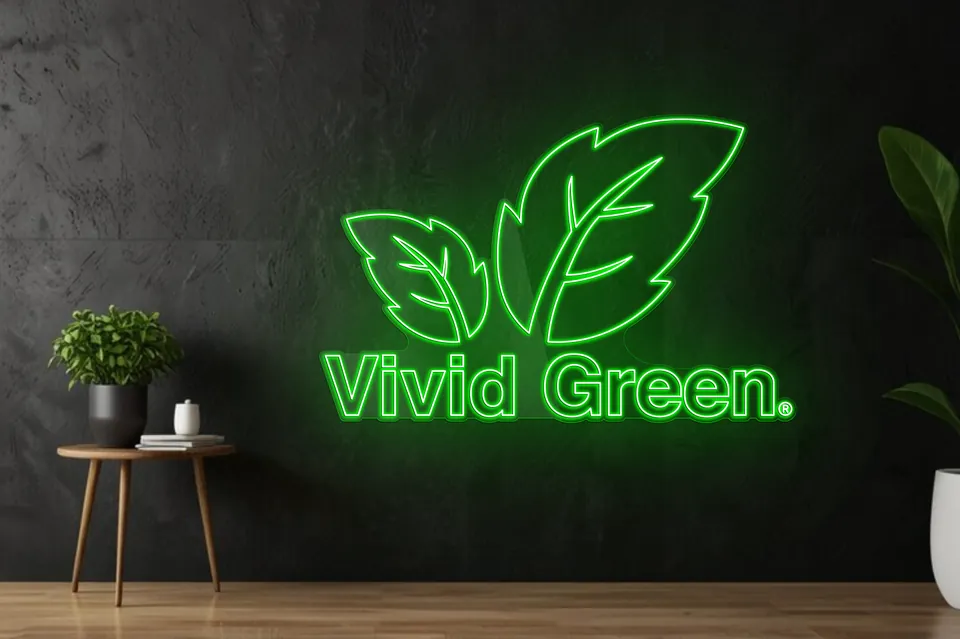
Vivid Green has nothing to do with gaming, but the design shows how an icon and a name together form a sign. A controller or lightning bolt above your gamertag works the same way.
Do you hang the sign behind your chair or above your desk?
Hang the sign behind your chair if it needs to be in shot, and above your desk if it is mainly there for atmosphere. If you mostly play for yourself, choose a spot you can see. If you stream or often have your camera on, hang it where your viewers will see it.
- Behind your chair. The classic spot for streamers. Hang the sign just beside or above your head, so your head does not cover the text. Sit in your usual spot and check your camera view before you drill.
- Above your desk or monitors. Then the sign adds atmosphere to the room without appearing in shot. Nice if you would rather not use a camera.
- On a side wall. That way some coloured light falls into the room without the sign shining straight in your face.
If the sign hangs directly behind you, its light can reflect in a glossy screen. In that case dim it a little or move it slightly to one side. Also do not hang the sign directly above a radiator or right next to your PC's exhaust vent.
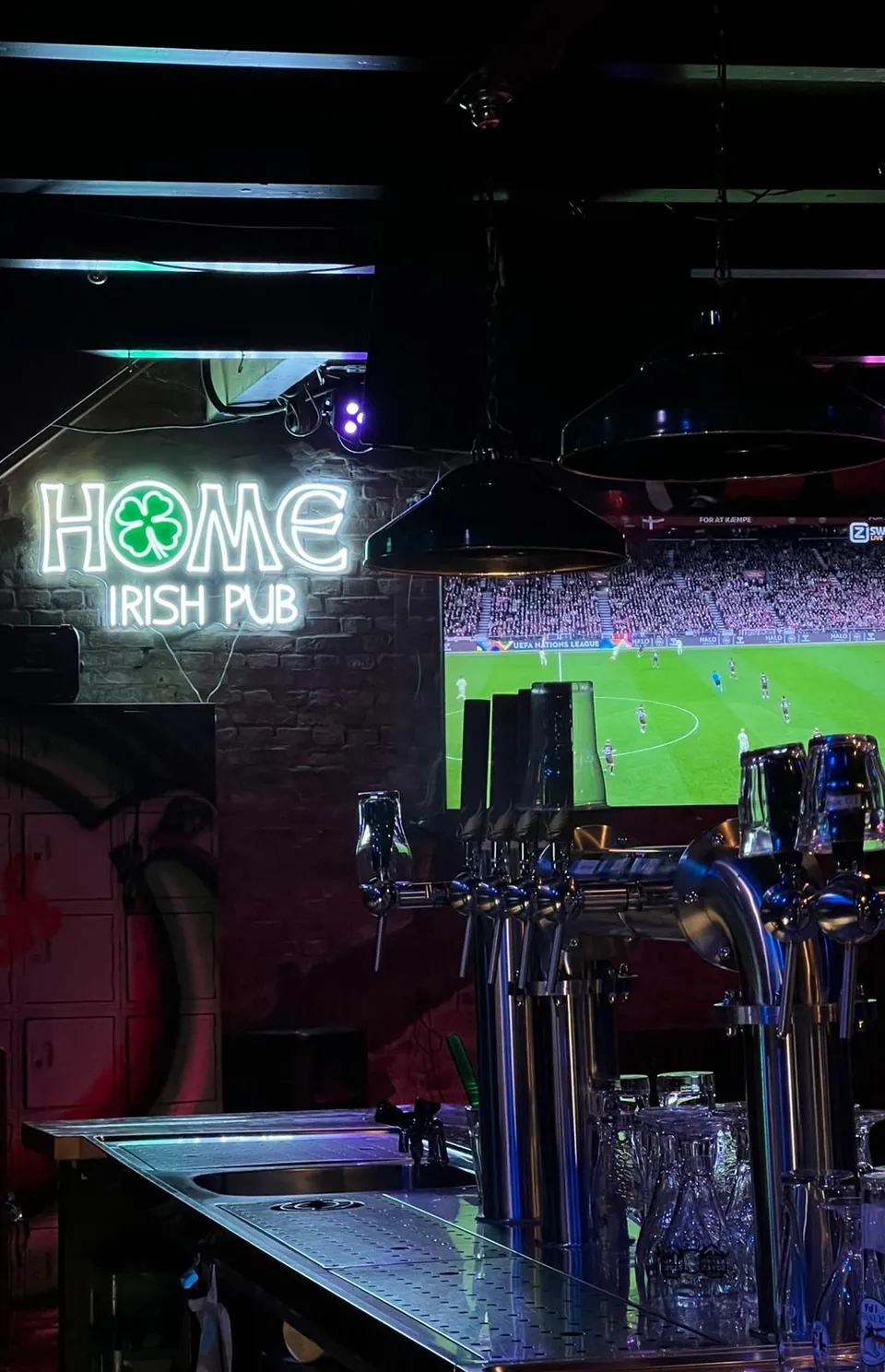
That is a pub rather than a game room, but the picture shows how an illuminated logo and a large screen sit together in a dark room. The sign hangs beside the screen, not behind it. In your own room, look at the position of your sign relative to your monitor in the same way.
How does the sign look on camera?
On camera an LED sign looks best when you dim it, because a webcam often adjusts automatically to the brightest light in the frame. If your sign is on its highest setting in a dark room, the text turns into a white blob or your face comes out too dark. Here is how to fix that:
- Dim the sign. Use the remote control to lower the brightness until the letters are sharp in shot. Try it during a test recording.
- Light your face separately. A lamp or ring light in front of you makes you the main light source. The sign then becomes the accent in the background.
- Mind the mirrored image. In many apps you see yourself mirrored, including your text. Your viewers see it the right way round.
The backing counts too. A clear backing lets your wall show through. A black backing almost disappears on a dark wall, leaving only the lines in shot. Which backing and tube suit which wall is explained in LED neon colours.
Which size fits your camera frame?
Behind a desk setup, a compact sign of around 60 cm usually fits in shot. A webcam mainly shows you, with a patch of wall around your head and shoulders, and the sign needs to fit entirely within that, with some space around it.
Use masking tape to mark a rectangle on the wall in the width you are considering. Sit down, turn on your camera and check whether the whole rectangle is in shot. If the whole wall is in shot, or you also want to see the sign well in the room, around 90 cm is a good size. Other sizes are possible too. More on choosing a size is on the page neon sign sizes.
RGB or a fixed colour?
A fixed colour works well if your setup already has a set colour. In the configurator you choose from 12 colours, including blue, ice blue, purple, pink and green. They go well with the lighting of your keyboard, mouse or desk. The colour makes no difference to the price.
If you want a different mood per game or stream, RGB is an option. You then switch the colour with the remote control, for example purple for a quiet evening and red for a tournament. Ask for RGB, or a tag in blue with an icon in pink, with a logo design. Feel free to message us on WhatsApp if you are unsure. Also think about how the sign looks when it is off: a coloured tube keeps its colour, while a white tube is white when off.
Keeping the cable tidy along your desk
The box contains a power adapter with an EU plug and a 2-metre cable, plus the dimmer with remote control. If the sign hangs behind your chair, run the cable down the wall and along a leg of your desk. Cable clips or a cable duct in the colour of your wall keep it tidy. The plug goes into the power strip under your desk, with the rest of your setup.
For the wall you get a mounting kit: screws with stand-offs, or hanging on wires. Allow about ten minutes. Always use the power adapter supplied.
How to order your sign
For your gamertag, go to the configurator. Type your tag, choose a font, a colour and a width from 50 to 200 cm, and see straight away how it lights up and what it costs. If it is right, you order straight away. After payment the sign is made; we agree the delivery time with you in advance.
Got a channel logo, or looking for a lettering style the configurator does not offer, such as pixel letters? Upload your logo or an example in the request for your custom LED neon sign, or send it on WhatsApp. The design follows within 1 working day, with a fixed price per size. Send a photo of your setup and you see the sign behind your desk straight away. Looking for something for another room too? Take a look at LED neon signs for the home.